颠覆性技术公司用户研究入门Disruptive Technology Company User Research 101
在图森未来时写给团队初级设计师的一份用户研究入门。A user research primer written for the junior designers on my team at TuSimple.
The document was a small piece I wrote for the junior designers in my team when I was in TuSimple
Use User Research 101 as part of your research checklist, as it is not a comprehensive list of what designers and product managers need to do. I recommend everyone to build their own ways of researching, yet keep the goals of research in mind.
Goals of Research#
- For existing products: figure out the pain points and priorities of the pain points users have.
- What pain points do users have?
- What are the most pressing pain points that we need to solve for them?
- For new products: figure out the users, the scope of the product, and their priorities.
- Who are the users?
-
What are their most pressing needs for the product and why?
-
What will the MVP look like?
- To identify potential product improvements that we can bring in the future:
- What are the next steps for users? What are their plans?
-
What are the potential designs that we can prepare for the future?
-
What is the right order of priority for all potential product improvements?
Methodologies#
- Build your understanding of the product:
- Understand the history of the product before conducting research.
-
Why did this tool not exist before?
-
How are engineers designing this platform before designers’ involvement?
- Understand the logic of the product:
- Meet with current product owners for an overview.
-
Play with the tools by yourself.
-
Find out and read existing documents.
- Talk to the right person:
- Most of the users in TuSimple can be divided into tech-users and non-tech users. Keep in mind the differences between them in terms of their skillsets, mindsets, and goals.
- For example, PMs might only care about whether something has been finished, while engineers focus more on the reasons for system failures.
- Most of the users in TuSimple can be divided into tech-users and non-tech users. Keep in mind the differences between them in terms of their skillsets, mindsets, and goals.
- Tech leads are not always the best person to approach. Usually, tech leads receive requirements from the users, but the actual developers are often the most familiar with the product.
- Users, especially algorithm users, are usually the ones with the most complaints and pain points since they are the ultimate users for everything. They are also the ones that designers can ask for potential future requirements.
- Don’t forget to talk to product managers/project managers.
-
Talk to the right amount of people:
- Designers can talk to unlimited candidates and always have new discoveries. It’s important to build our own understanding about when we are ready to start the first draft of the design. Usually, it’s when:
- You have talked to at least one user in each user group.
- Designers can talk to unlimited candidates and always have new discoveries. It’s important to build our own understanding about when we are ready to start the first draft of the design. Usually, it’s when:
-
You already have some ideas on what you are going to design, and you know the new design will wow the users by improving their efficiency.
-
Ask the right questions:
- Observe first, before asking any questions.
- Ask the user to show you how they would perform a task, while explaining their thoughts aloud. Take notes on where they get confused or frustrated (or say something positive).
- Observe first, before asking any questions.
-
It’s important to build your own understanding, not the understanding that users want you to build.
-
Not all users are good at summarizing and giving their product conclusions. Even with users who have good communication skills, what they summarized is second-hand information already.
-
Do not limit your observations to just the platform that you are designing. The tools we have are usually toolchains, meaning they usually have dependencies with other tools. Try to understand the whole picture during the interview.
-
Use interviews to verify your assumptions, not just open-ended questions.
- Use your judgment to evaluate the product, not users’. It’s easy to ask users direct questions on the product, such as ‘what are your biggest frustrations with the product,’ yet by doing so, we are handing our judgments to the users, and users don’t always have the right answer.
-
Instead, let’s try to ask more questions based on our observations and assumptions about the product, to find out what has blocked users and what has made users do extra operations.
-
Look for the right information:
- The only thing that we care about regarding the platforms and tools in TuSimple is whether they have boosted the efficiency of our users. In other words, we care about the overall efficiency of the system over the joy of users or the elegance of the design itself. I will talk about the design that should trigger your alarms when conducting research in the next section.
Evaluate the Product#
The following points are what I use for evaluating a product/design in TuSimple, and are also the key information that I always try to verify during research:
- Use cases
- Does the system cover all the major use cases?
-
User flow
- Do users have a clear flow to follow?
-
Do users receive clear guidance/cues on the next step?
-
Do the flows align with the design? For example, do users have to jump back and forth to finish their tasks?
-
Information/Status
- Does the system indicate information clearly? Do they have proper hierarchies? For example, is the most important information the easiest one to find?
-
Was the information designed based on certain logic, such as frequencies or priorities?
-
Was the presentation of the information based on its nature? For example, are we using the best way to present data or just the easiest way?
-
Does the system indicate changes of information clearly?
- Can users be aware of changes of information/statuses easily?
-
Can users differentiate between different information/statuses easily?
-
Has the system done enough to indicate the status of the system itself?
- Are proper indicators provided for users to indicate what’s happening, such as whether the system is functioning or whether tasks will continue after users leave the current page? Are the wordings clear to everyone?
-
Corner cases
- Has the system thought enough about corner cases?
- What are the potential errors the system might have, and how is the system addressing them?
- Has the system thought enough about corner cases?
-
Do users receive enough guidance on what they should do when errors happen?
Outcomes of Research#
Before starting to summarize the research, remember:
- Provide conclusions. The purpose of summarizing is to give conclusions and judgments on the design plans and priorities, not just writing down everything users said.
- Keep the results short and clear. The quality of design research is evaluated based on the insights the research gave to design, not how long or how fancy the wordings are.
What must be included in a research report:
- Conclusions
- The goal of the project/research, made simple
-
The challenge/problem, made clear
-
Key pain points that you discovered, ranked by priorities
-
Your plans and/or suggestions for the next steps, actionable
-
Evidence:
- The evidence that supports your conclusions on
-
The problems that you identified
-
The priorities that you made
-
The solutions that you are bringing up
- The evidence that you summarized helps you to design the product
- User persona
-
Key use cases
-
User flow
-
Other design assumptions, such as preferences of users.
When providing conclusions:
- Keep the efficiency goal in mind.
- Use the improvement of efficiencies as the principle to evaluate priorities.
-
Think about ROIs.
- Focus on design efforts that improve efficiency.
-
Be sure they are actionable.
- Align with engineers on their schedules.
-
Push the engineers to explore tech limitations.
-
Think about your own schedule.
这份文档是我在 TuSimple 时为团队里的初级设计师写的一篇小文
请把这篇《用户研究入门》当作你研究清单的一部分来使用,它并不是一份设计师和产品经理所有工作的完整清单。我建议每个人都建立属于自己的研究方法,但要始终记住研究的目标。
研究的目标#
- 对于已有产品:弄清用户的痛点,以及这些痛点的优先级。
- 用户有哪些痛点?
- 哪些是我们最需要为他们解决的紧迫痛点?
- 对于新产品:弄清用户是谁、产品的范围,以及它们的优先级。
- 用户是谁?
-
他们对产品最迫切的需求是什么?为什么?
-
MVP 会是什么样子?
- 识别我们未来可以带来的潜在产品改进:
- 用户的下一步是什么?他们有哪些计划?
-
有哪些设计是我们可以为未来提前准备的?
-
所有潜在的产品改进,正确的优先级顺序是什么?
方法论#
- 建立你对产品的理解:
- 在开展研究之前,先了解产品的历史。
-
为什么这个工具以前不存在?
-
在设计师介入之前,工程师是如何设计这个平台的?
- 理解产品的逻辑:
- 与当前的产品负责人见面,了解产品概况。
-
自己上手把玩这些工具。
-
找到并阅读已有的文档。
- 找对人聊:
- TuSimple 的大多数用户可以分为技术型用户和非技术型用户。要记住他们在技能、思维方式和目标上的差异。
- 比如,PM 可能只关心事情有没有做完,而工程师更关注系统出故障的原因。
- TuSimple 的大多数用户可以分为技术型用户和非技术型用户。要记住他们在技能、思维方式和目标上的差异。
- 技术负责人并不总是最该去找的人。通常,技术负责人从用户那里接需求,但实际写代码的开发者往往才是最熟悉产品的人。
- 用户,尤其是算法用户,通常是抱怨和痛点最多的人,因为一切东西最终都是他们在用。他们也是设计师可以去询问未来潜在需求的人。
- 别忘了和产品经理/项目经理聊聊。
-
和数量合适的人聊:
- 设计师可以无限地找人访谈,而且总会有新发现。重要的是建立我们自己的判断:什么时候可以动手画设计初稿了。通常是在:
- 每个用户群体里你都至少聊过一位用户。
- 设计师可以无限地找人访谈,而且总会有新发现。重要的是建立我们自己的判断:什么时候可以动手画设计初稿了。通常是在:
-
你对要设计的东西已经有了一些想法,而且你知道新设计会通过提升效率让用户眼前一亮。
-
问对问题:
- 先观察,再提问。
- 请用户演示他们会如何完成一项任务,同时把想法大声说出来。记下他们在哪里感到困惑或沮丧(或者说了什么正面的话)。
- 先观察,再提问。
-
重要的是建立你自己的理解,而不是用户想让你建立的那种理解。
-
并不是所有用户都擅长总结并给出他们对产品的结论。即使是沟通能力很好的用户,他们总结出来的也已经是二手信息了。
-
不要把观察局限在你正在设计的那个平台上。我们的工具通常是工具链,也就是说它们往往与其他工具存在依赖关系。访谈时尽量去理解全局。
-
用访谈来验证你的假设,而不是只问开放式问题。
- 用你自己的判断去评估产品,而不是用户的判断。直接向用户抛出关于产品的问题很容易,比如「你对这个产品最大的不满是什么」,但这样做等于把我们的判断权交给了用户,而用户并不总是有正确答案。
-
相反,让我们试着基于自己对产品的观察和假设去问更多问题,找出是什么卡住了用户,又是什么让用户做了多余的操作。
-
寻找对的信息:
- 对于 TuSimple 的平台和工具,我们唯一关心的是它们有没有提升用户的效率。换句话说,比起用户的愉悦感或设计本身的优雅,我们更在意整个系统的整体效率。下一节我会讲到,在做研究时哪些设计应该拉响你的警报。
评估产品#
以下几点是我在 TuSimple 评估一个产品/设计时所用的标准,也是我在研究中始终试图验证的关键信息:
- 用例
- 系统是否覆盖了所有主要用例?
-
用户流程
- 用户有没有一条清晰的流程可以遵循?
-
用户在下一步操作上有没有得到清晰的引导/提示?
-
流程与设计是否一致?比如,用户是否必须来回跳转才能完成任务?
-
信息/状态
- 系统的信息呈现是否清晰?有没有合理的层级?比如,最重要的信息是不是最容易找到的?
-
信息的设计是否遵循某种逻辑,比如使用频率或优先级?
-
信息的呈现方式是否基于信息本身的性质?比如,我们是在用最好的方式呈现数据,还是只是用了最省事的方式?
-
系统是否清晰地提示了信息的变化?
- 用户能否轻松察觉信息/状态的变化?
-
用户能否轻松区分不同的信息/状态?
-
系统在提示自身状态方面做得够不够?
- 有没有为用户提供恰当的指示,说明正在发生什么,比如系统是否在正常运转、用户离开当前页面后任务是否会继续?措辞是否对所有人都清晰?
-
边角情况
- 系统对边角情况的考虑够不够?
- 系统可能出现哪些错误,系统又是如何应对这些错误的?
- 系统对边角情况的考虑够不够?
-
当错误发生时,用户有没有得到足够的指引,知道自己该做什么?
研究的产出#
在开始总结研究之前,请记住:
- 给出结论。总结的目的是对设计方案和优先级给出结论与判断,而不是把用户说的每句话都记下来。
- 让结果简短清晰。设计研究的质量取决于研究为设计带来的洞察,而不是篇幅有多长、辞藻有多华丽。
研究报告中必须包含的内容:
- 结论
- 项目/研究的目标,写得简单明了
-
挑战/问题,讲得清楚明白
-
你发现的关键痛点,按优先级排序
-
你对下一步的计划和/或建议,要可执行
-
证据:
- 能支撑你结论的证据,涉及
-
你识别出的问题
-
你排定的优先级
-
你提出的解决方案
- 你总结出的、能帮助你设计产品的证据
- 用户画像
-
关键用例
-
用户流程
-
其他设计假设,比如用户的偏好。
在给出结论时:
- 时刻记住效率这个目标。
- 用效率的提升作为评估优先级的原则。
-
考虑 ROI。
- 把精力集中在能提升效率的设计工作上。
-
确保结论可执行。
- 和工程师对齐他们的排期。
-
推动工程师去探索技术上的限制在哪里。
-
也想想你自己的排期。
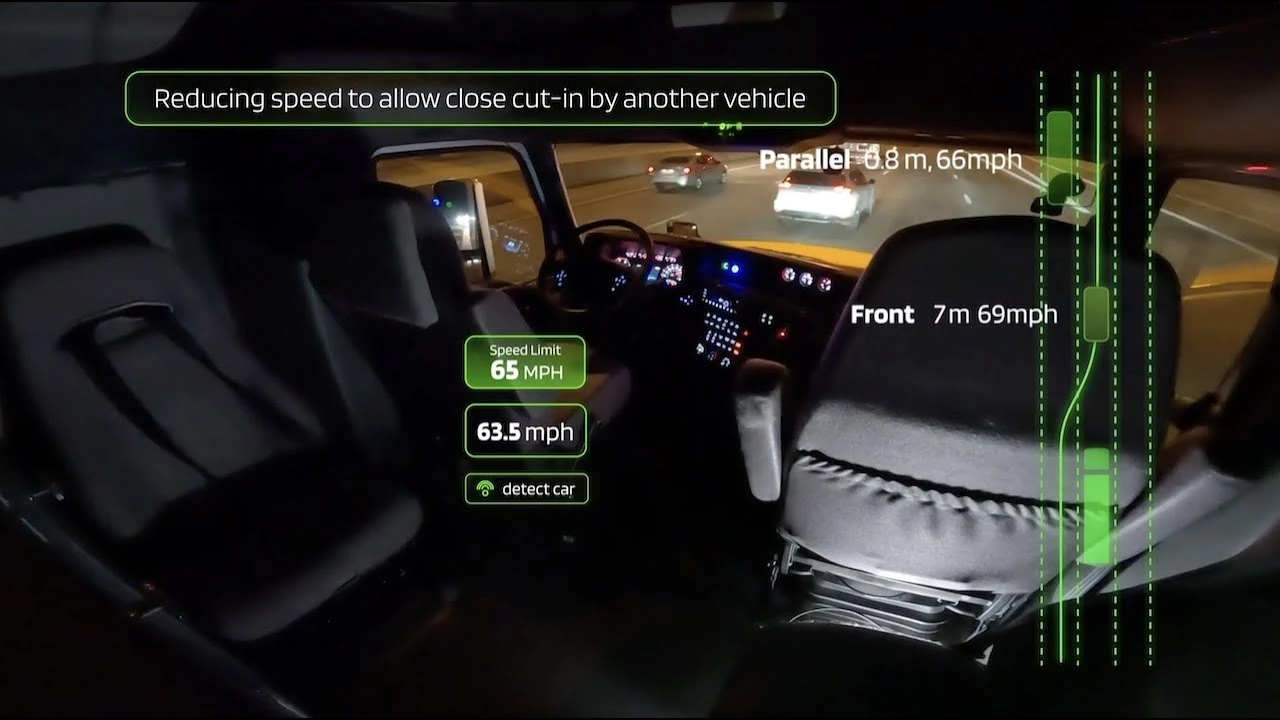
构建快速的产品问题解决迭代Forming Fast Product Problem-solving Iterations
在 TuSimple 构建快速的产品问题解决迭代:对齐上下文,最大化参与决策,快速实验,管理预期。Forming fast product problem-solving iterations at TuSimple: shared context, maximized participation in decision-making, quick experiments, and expectation management.
产品讨论Product Discussions
一篇关于如何开产品讨论会的笔记:区分事实判断与价值判断,想清楚哪些讨论值得花时间。Notes on how to run product discussions: separating factual judgments from value judgments and deciding which debates are worth the time.
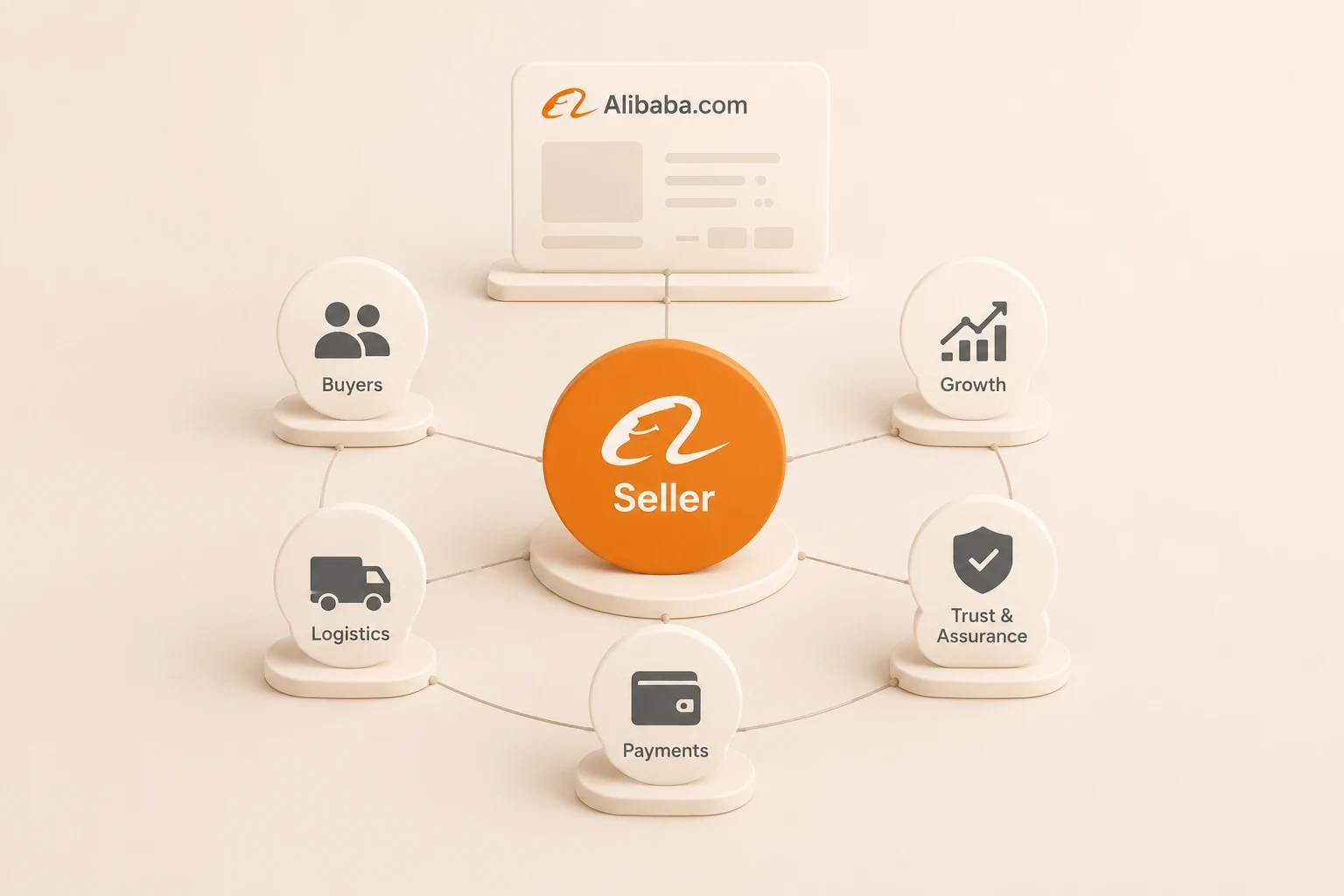
Alibaba.com 卖家生态与决策观察Alibaba.com Seller Ecosystem and Decision-Making Observation
基于深圳和义乌12家卖家访谈的观察:流量成本如何主导卖家决策,以及三类典型卖家画像。Observations from interviews with 12 Alibaba.com sellers in Shenzhen and Yiwu: how traffic costs drive seller decisions, plus a three-type seller taxonomy.
Comments